Account & Settings
Account settings
The Settings page is where you manage everything about your account – from your subscription to your privacy preferences.
Subscription
View your current plan and its status. Upgrade to premium or manage your billing through Stripe.

Communication preferences
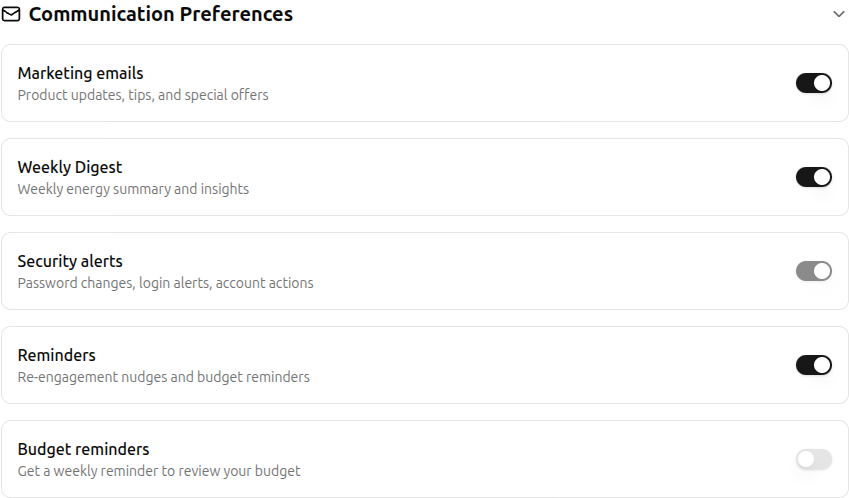
Control which emails you receive from Bounded Self:
- Marketing emails – toggle product updates and announcements.
- Weekly digest – receive a summary of your energy insights each week.
- Reminders – re-engagement nudges and budget reminders.
- Security alerts – always-on notifications for login events and password changes.
- Budget reminders – get a weekly reminder to review your budget.
System behavior
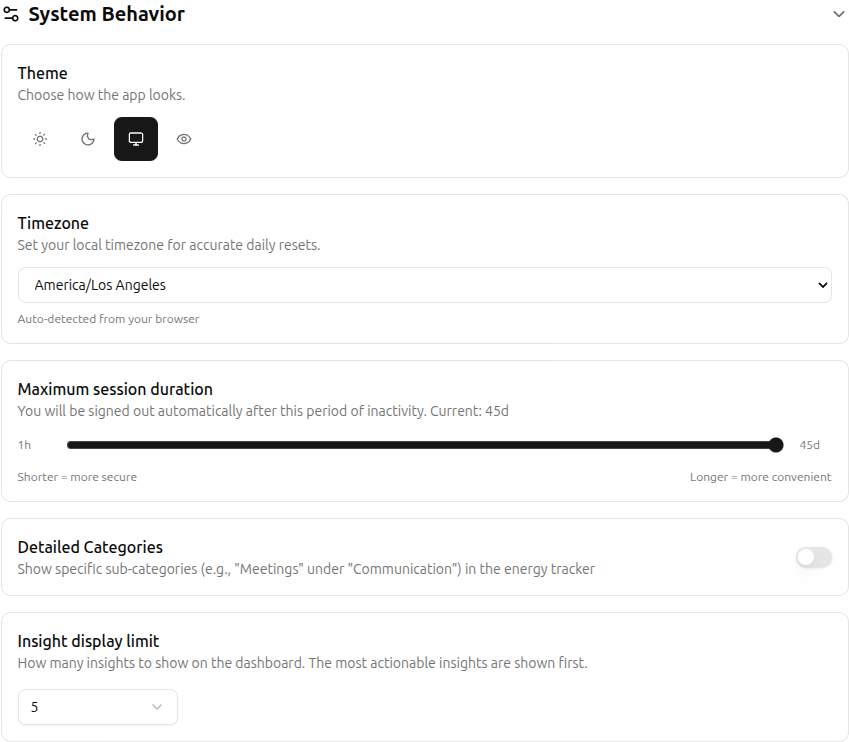
Configure how the app works for you:
- Theme – choose Light, Dark, System, or High Contrast mode.
- Timezone – auto-detected from your browser, or set manually.
- Session duration – control how long before you're signed out.
- Detailed categories – show or hide sub-categories in the energy tracker.
- Insight display limit – how many insights to show on the dashboard.
Data consent
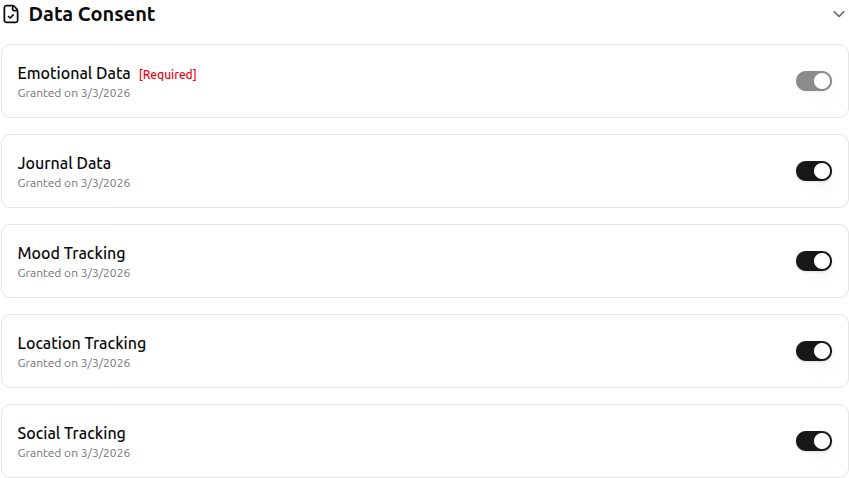
Review and manage the consent types you've granted. Required consents (like emotional data) cannot be withdrawn, but optional ones – journal data, mood tracking, location tracking, and social tracking – can be toggled at any time. Each consent shows when it was granted or withdrawn.
Privacy & data
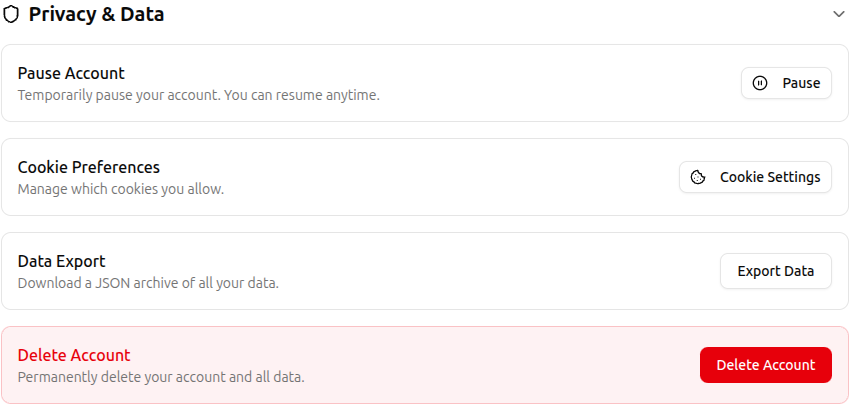
- Pause account – temporarily disable tracking without losing your data. Resume whenever you're ready.
- Cookie preferences – open the cookie consent modal to update your choices.
- Export data – download a JSON archive of all your entries and settings.
- Delete account – permanently remove your account. There is a 7-day grace period during which you can cancel the deletion.
Related
- Managing Categories – create and organize energy categories
- Managing Locations – manage location tags
- Managing People – manage people tags
- Plans & Pricing – compare plans and upgrade
- Energy Journal – guided journaling for reflection