Location Tags
Overview
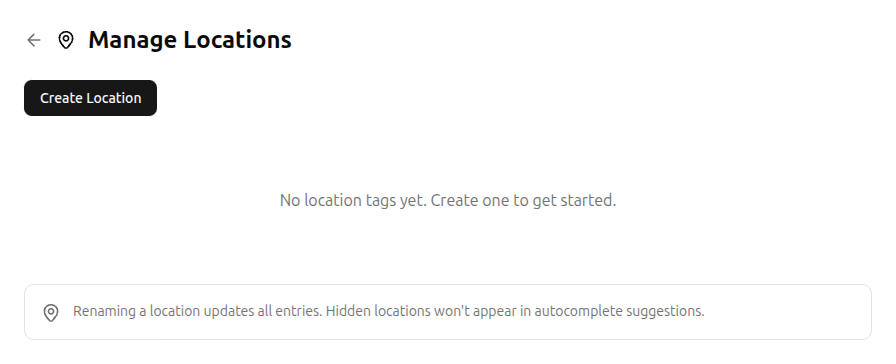
To manage your locations, go to Settings, then under Custom Fields, select Manage Locations.
Location tags let you record where activities happen. Over time, you can spot patterns – maybe you're the office consistently costs more energy than home, or the gym reliably shows up as a gain than at home, or the gym consistently restores you.
Creating a location
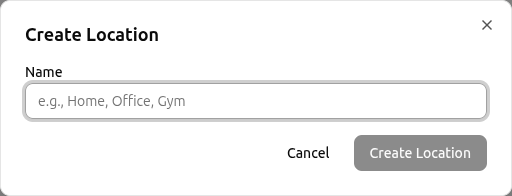
Click Create Location and enter a name (e.g., “Home”, “Office”, “Gym”). Locations appear as autocomplete suggestions when you're logging entries.
Editing and hiding
- Rename – renaming a location updates all entries that reference it.
- Hide – hidden locations won't appear in autocomplete suggestions but existing entries keep their tags.
Privacy Note
Location tags are stored only if you've granted location tracking consent. You can review or withdraw consent at any time in Settings. Withdrawing location consent removes all location data from your entries.
Related
- Tracking Energy – add locations to your entries
- Account Settings – access location management